



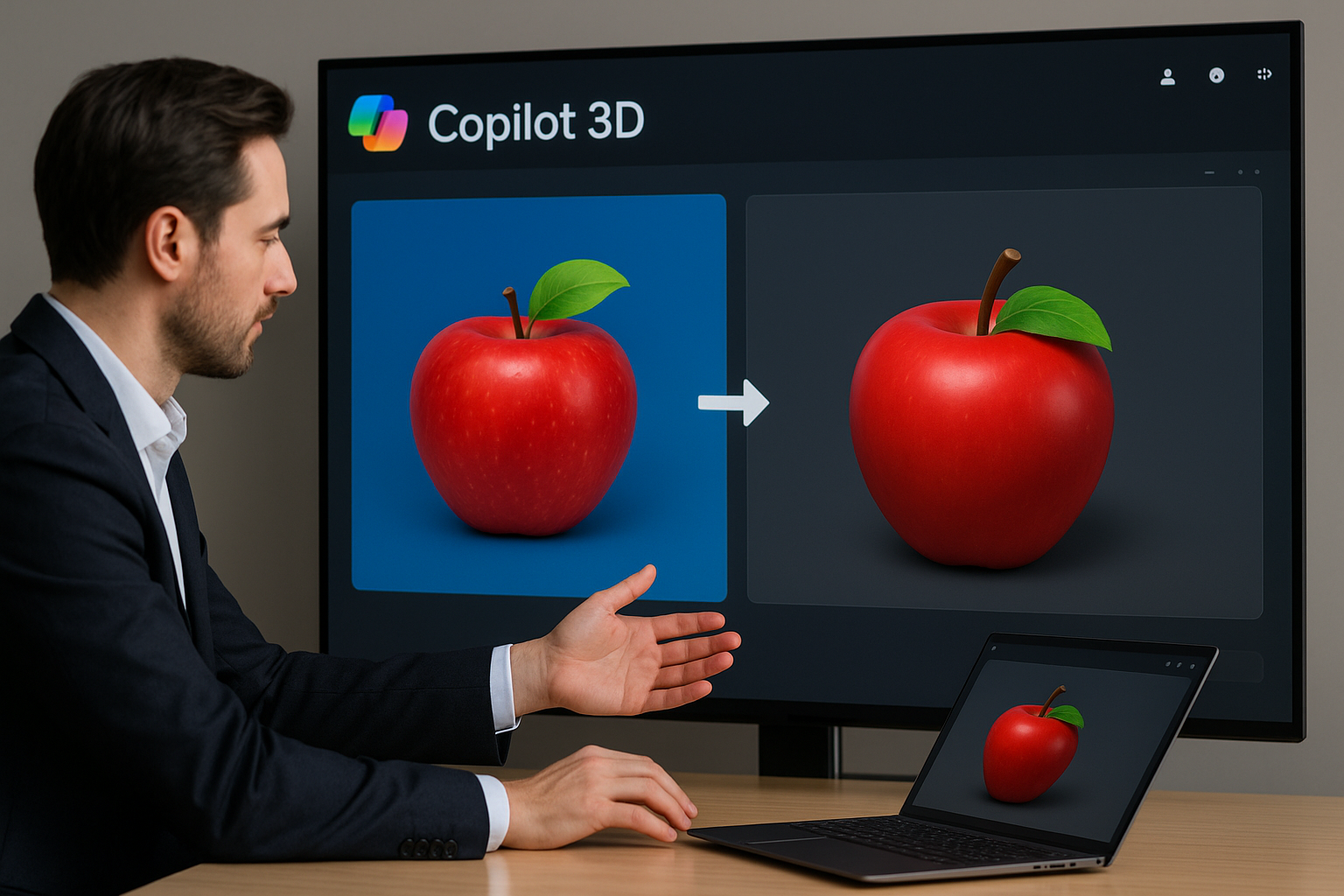
Microsoft has announced Copilot 3D, its latest generative AI experiment that can instantly transform ordinary 2D images into detailed 3D models. The feature, currently in testing, promises to make 3D content creation faster, more accessible, and less reliant on specialized skills or expensive software.
The new tool is part of Microsoft’s broader AI integration strategy across its ecosystem, under the Copilot brand. With Copilot 3D, creators can upload a single photograph, and the AI will process it into a realistic, fully rotatable 3D model. This can be used in gaming, product design, marketing, education, and virtual environments.
How Copilot 3D Works
According to Microsoft, the AI uses advanced neural rendering techniques and depth estimation algorithms to infer 3D geometry from flat images. While converting one image into a 3D object has historically been a challenge, Copilot 3D combines image recognition, texture mapping, and generative modeling to produce high-quality results.
Early demonstrations show that the process is straightforward:
-
Upload a 2D image into the Copilot 3D interface.
-
The AI analyzes the image’s depth cues, textures, and object outlines.
-
It generates a rotatable 3D mesh with realistic lighting and surface details.
Users can then edit the models, adjust textures, or export them to various 3D software platforms.
Why It Matters
Traditionally, creating 3D models required skilled artists using complex tools like Blender, Maya, or 3ds Max. This process could take hours or even days for a single object. Copilot 3D aims to reduce that workflow to just a few seconds, making 3D design more accessible to non-experts.
Industry experts say this could have significant applications in:
-
Gaming: Rapid prototyping of characters, props, and environments.
-
E-commerce: Turning product photos into interactive 3D previews.
-
Education: Creating immersive teaching materials.
-
AR/VR: Generating assets for virtual and augmented reality experiences.
Integration with the Microsoft Ecosystem
Copilot 3D is expected to integrate with Microsoft tools like Paint 3D, PowerPoint, and even Teams for immersive presentations. There is also speculation about its potential link with Azure AI services, which could allow developers to embed the 3D generation capabilities into custom applications.
Windows Central’s early hands-on review noted that while Copilot 3D produces impressive results, the models still require fine-tuning for professional-grade projects. However, for rapid prototyping and concept visualization, it’s already a game-changer.
Privacy and Limitations
Microsoft has acknowledged that the feature is in its early stages and will likely improve over time. Since the tool relies on cloud processing, privacy and intellectual property safeguards will be a priority, especially for businesses uploading proprietary images.
Some limitations include occasional inaccuracies in texture placement and depth estimation, particularly with complex objects or poor-quality images. However, Microsoft’s engineers say ongoing AI training will address these issues.