


Google has officially launched Android 16 (codenamed “Baklava”)—its earliest major Android release in recent years—beginning with Pixel 6 and newer models, with other brands to follow later this year.
Top New Features
- Live Updates & Smarter Notifications
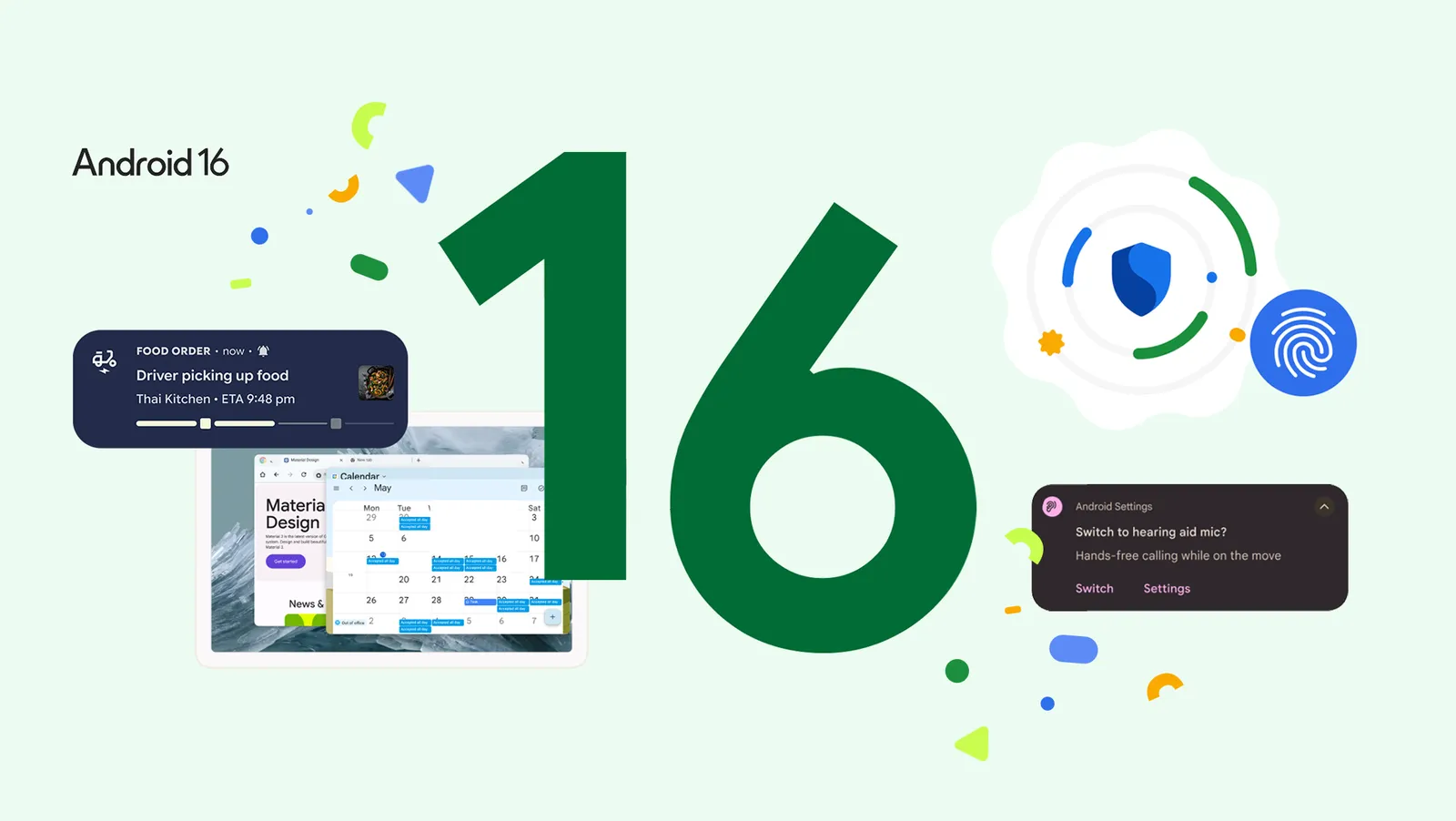
Google’s version of iOS-style live activities allows real-time tracking—for example, ride-share and food deliveries—directly from the lock screen. App notifications are now automatically grouped for a cleaner interface. - Hearing Aid Compatibility
Improved support for LE Audio hearing aids enables switching to phone mic during calls for enhanced speech clarity. Native volume controls are available on-device. - Advanced Protection Mode
This enhanced security suite protects high-risk users from phishing, scam calls, malware, and unsafe websites, all activateable in a single tap. - Desktop Windowing on Tablets & Foldables
In partnership with Samsung, Android 16 introduces desktop-style multitasking—supporting multiple, resizable windows in tablet or foldable layouts—with custom keyboard shortcuts and a taskbar-level overflow. - Material 3 Expressive UI & Productivity Tools
The underlying Material 3 visual overhaul introduces fluid animations, dynamic theming, and improved haptic sliders. Its full rollout is expected later in the year via QPR1 updates. - Enhanced Privacy & Accessibility
New Identity Check tool secures device settings with biometric verification. Magnifier Live Search, support for vertical text, APV video codec, and FHIR health record APIs add to accessibility and privacy.
Device Eligibility
Android 16 is currently available via OTA for Pixel 6, 7, 8, 9 series, Pixel Fold, and Pixel Tablet. Non-Pixel devices—Samsung, OnePlus, Xiaomi, OPPO, Motorola—are expected to roll out updates in phases through late 2025.
How to Update on Pixel
- Settings → System → Software update
- Download the latest Android version screen
- Restart the device to complete the installation
Ensure your Pixel is registered in the beta program if previously enrolled, and back up your data—users on beta must exit before receiving stable builds.
This rollout marks Google’s commitment to faster updates and a refined user experience. Features like Live Updates and Advanced Protection enhance daily utility and security, while desktop windowing bridges the gap between mobile and productivity-class devices.