


-
-
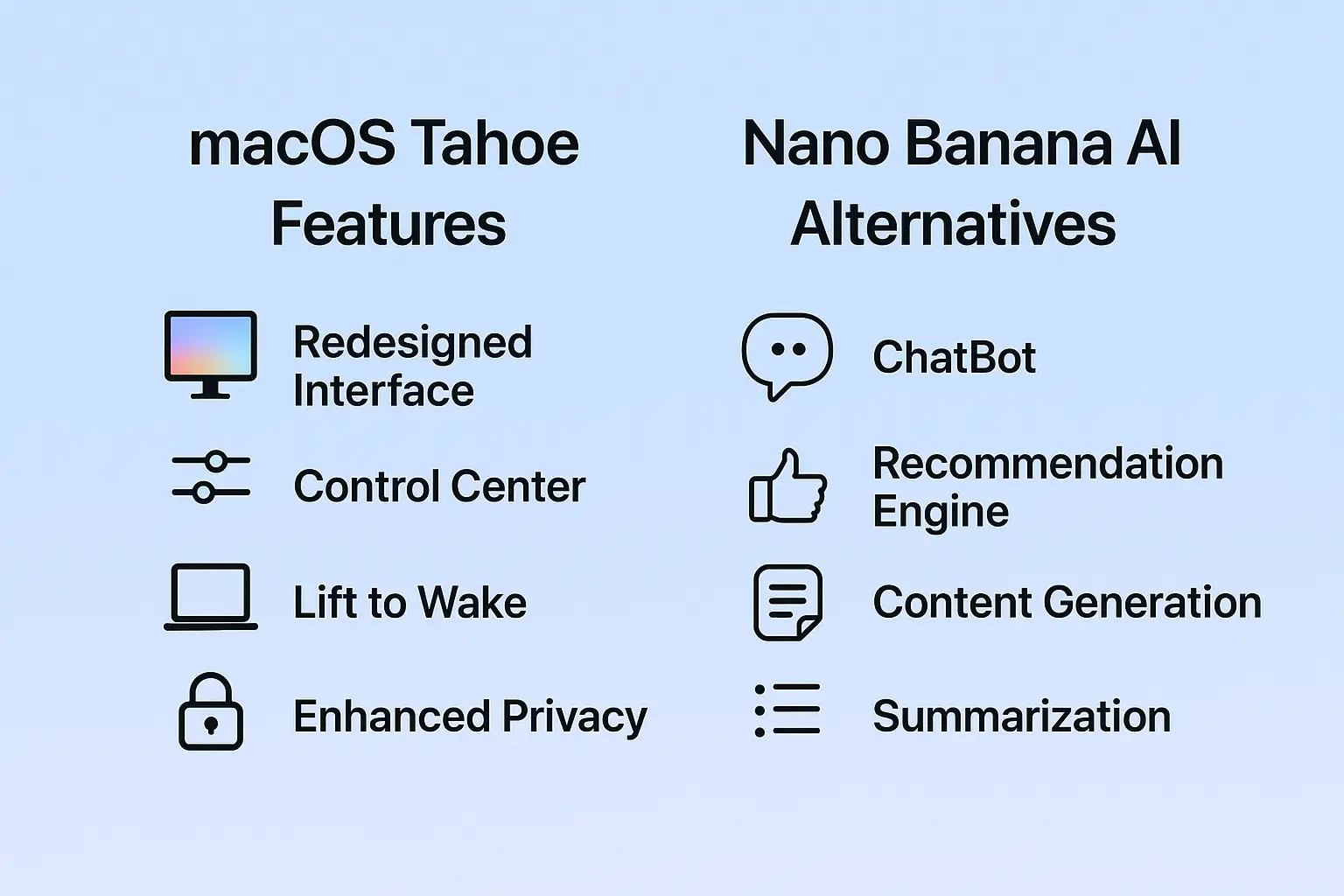
- Apple’s latest macOS version — Tahoe 26 — is now available, bringing a suite of design and usability upgrades. Among the stand-out additions:
- Liquid Glass design language — The user interface enjoys a more fluid, translucent look. Sidebars, toolbars, the dock, menus, and app icons all reflect or refract background elements. Transparent menu bars and tinted or clear app icons offer more customization.
- Clipboard History via Spotlight — You can now invoke clipboard history in Spotlight using a shortcut (Cmd + 4). It stores recent items you’ve copied, letting you paste older ones without needing a third-party clipboard manager. History persists for about 8 hours.
- Phone app integration & Live Activities — The Mac gets a Phone app, enabling placing and answering calls through your iPhone. Also, Live Activities from your iPhone now appear in the Mac menu bar, so you can track ongoing tasks (like rides or deliveries) without switching devices.
- Redesigned controls & personalization — Control Center and menu bar are more customizable. Folders can now have custom emoji or colors. New icon styles (light, dark, tinted, or clear) give additional visual flexibility.
These improvements are meant to make the Mac experience more intuitive and visually cohesive, especially for users moving between Apple devices.
The Nano Banana Trend & Top Alternatives
The Nano Banana tool (officially Gemini 2.5 Flash Image) is Google’s recent viral AI image-editing tool. It’s been trending for converting photos—selfies, pets, scenery—into stylized 3D-figurine style images or collectible-look visuals with minimal effort using prompt editing.
If you’re enjoying Nano Banana but looking for more options, here are several strong alternatives, each with strengths for different use-cases:
Alternative Tool What It Excels At DALL·E 3 (OpenAI) Strong for creative scene building, imaginative prompts, and good for users who want to generate from scratch rather than editing existing photos. Adobe Photoshop For fine control, professional editors who want retouching, layering, and polished output. More manual but very flexible. Canva AI Image Generator Beginner-friendly, quick edits, usable for marketing visuals with minimal learning curve. Stable Diffusion XL / Other Open-Source Models Good for experimentation, more control over style, often cheaper or free for non-commercial/self-use. Adobe Firefly Especially for sanctioned, brand-safe creations, it integrates well with Adobe’s suite and content creation pipelines. How to Decide: Which Tool Suits You Best
- If you want maximum ease & speed with minimal input, Nano Banana or Canva will serve you well.
- For polished, high-fidelity output (for branding, professional visuals), go with Firefly, Photoshop, or Stable Diffusion XL.
For full creative control, especially with text prompt customization or open‐style generation, DALL·E 3 or open-source models provide the most flexibility.
- Apple’s latest macOS version — Tahoe 26 — is now available, bringing a suite of design and usability upgrades. Among the stand-out additions:
-